An editor that speaks creator, not codec.
Split, layer, and polish on a fast canvas timeline with a Creator toolset up front and an Advanced rail one click away — while an append-only edit history quietly makes your work unlosable.
J/K/L shuttle, frame-accurate stepping, markers and in/out ranges, visible snapping, pointer-centered zoom, ripple everything. Remap any shortcut; save named workspaces that survive restarts.
Every operation is committed to an append-only history in an embedded database. Quit, crash, reopen — your exact sequence returns, undo stack and abandoned branches included.
B-roll, picture-in-picture, slides, teaching overlays, and before/after layouts land from ready-made presets — then fine-tune position, scale, rotation, crop, and opacity to taste.
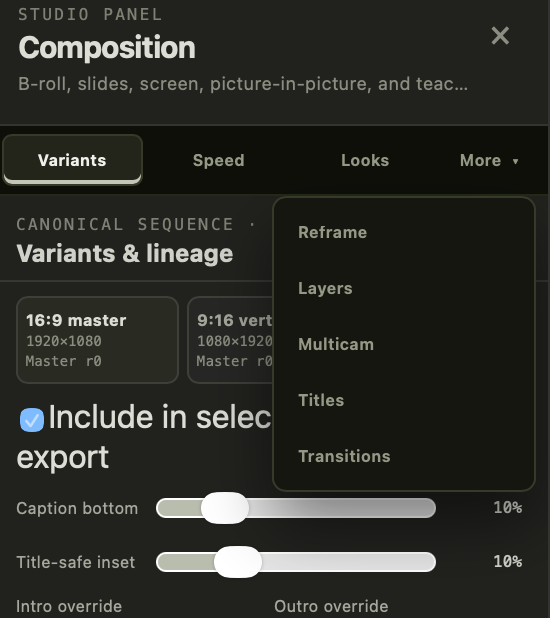
Your 16:9 master spawns 9:16 and 1:1 derivatives that stay linked to it — with per-variant reframe, caption placement, title-safe insets, and intro/outro overrides.
Six versioned template kinds — titles, lower thirds, citation cards, end cards — pull colors, font, logo, intro, and outro from a project brand kit, so lesson 14 matches lesson 1.
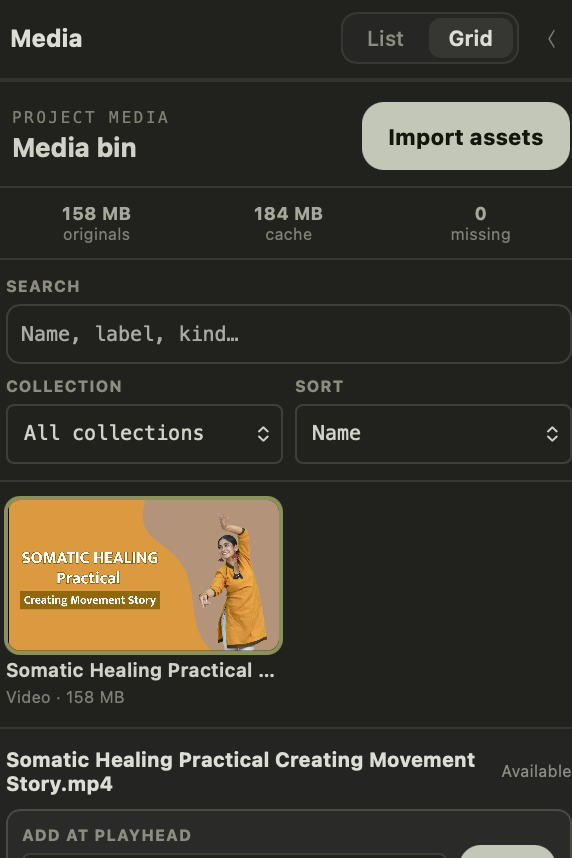
Every asset is identified by content hash — duplicates are caught on import, missing files relink by identity, storage is itemized, and a portable package ships your project without the cache.
Preview and export resolve the same graph.
Transforms, transitions, captions, fades, speed changes — the export renders exactly what the viewer showed, down to a rational-microsecond timebase with drift-tested frame math. No "it looked different in the preview."
- ✓Multicam cuts with synced angles
- ✓Chroma key, masking & motion tracking
- ✓Looks, scopes & a desktop color eyedropper
- ✓Speed changes with audio-safe ramps
- ✓Dissolves, dips & crossfades with handle checks
- ✓Ken Burns stills, callouts, arrows & highlights