The take is safe. Just teach.
Studio records your screen, camera, and microphone as separate local tracks — checked, leveled, and written to disk in durable chunks while you speak. No upload, no lock-in, no lost takes.
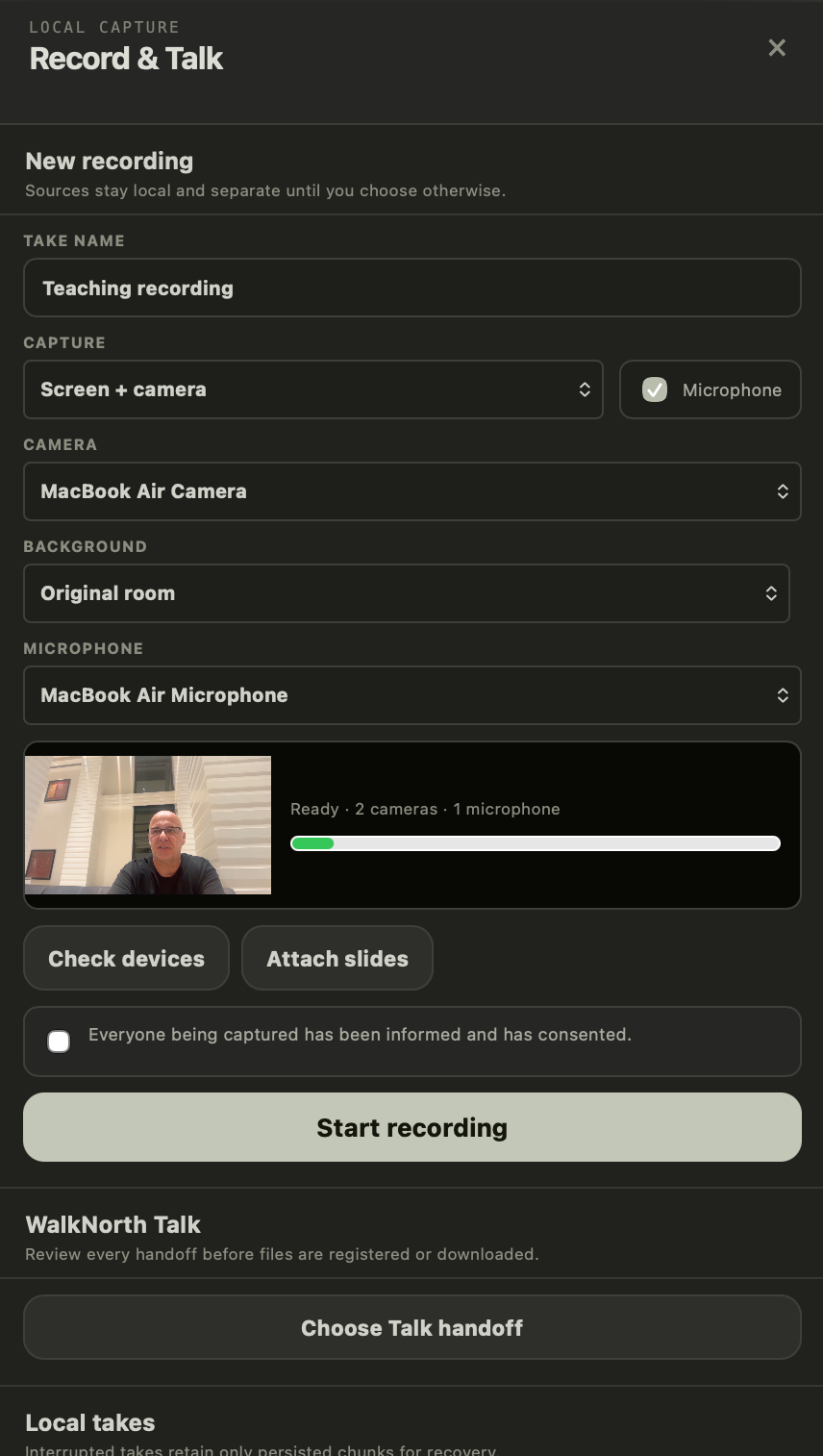
Pick camera, screen + camera, or screen only. Each source lands on its own track, so you can reframe, swap, or mute any of them later — nothing is baked together at capture time.
Flip between full-frame camera and share + camera while recording, without reopening the screen picker. Every scene change is remembered as an edit range, ready on your timeline.
Keep your original room or replace it — segmentation runs entirely on your machine, so your camera feed never leaves it just to look presentable.
Preview your camera, watch live audio levels, and confirm frames are flowing before you commit to a 40-minute lecture. No more silent-mic surprises in the review.
Attach a presentation to the take and it arrives in the project with it — rendered into clean, page-accurate slides you can cut to on the timeline.
Recordings are persisted chunk by chunk as you go. If the app or your laptop dies mid-sentence, the take reopens with everything already written — recoverable, not gone.
"Everyone being captured has been informed and has consented."
That checkbox sits between you and every recording — a small ritual that matters enormously when your takes include students, clients, or patients. Built for teachers who work with real people, not just screens.
Your calls, delivered as tracks.
Recorded a session in WalkNorth Talk? Hand it to Studio in two supervised steps — you review the manifest of participants and separate source recordings before a single file is registered or downloaded. Provenance travels with every track.